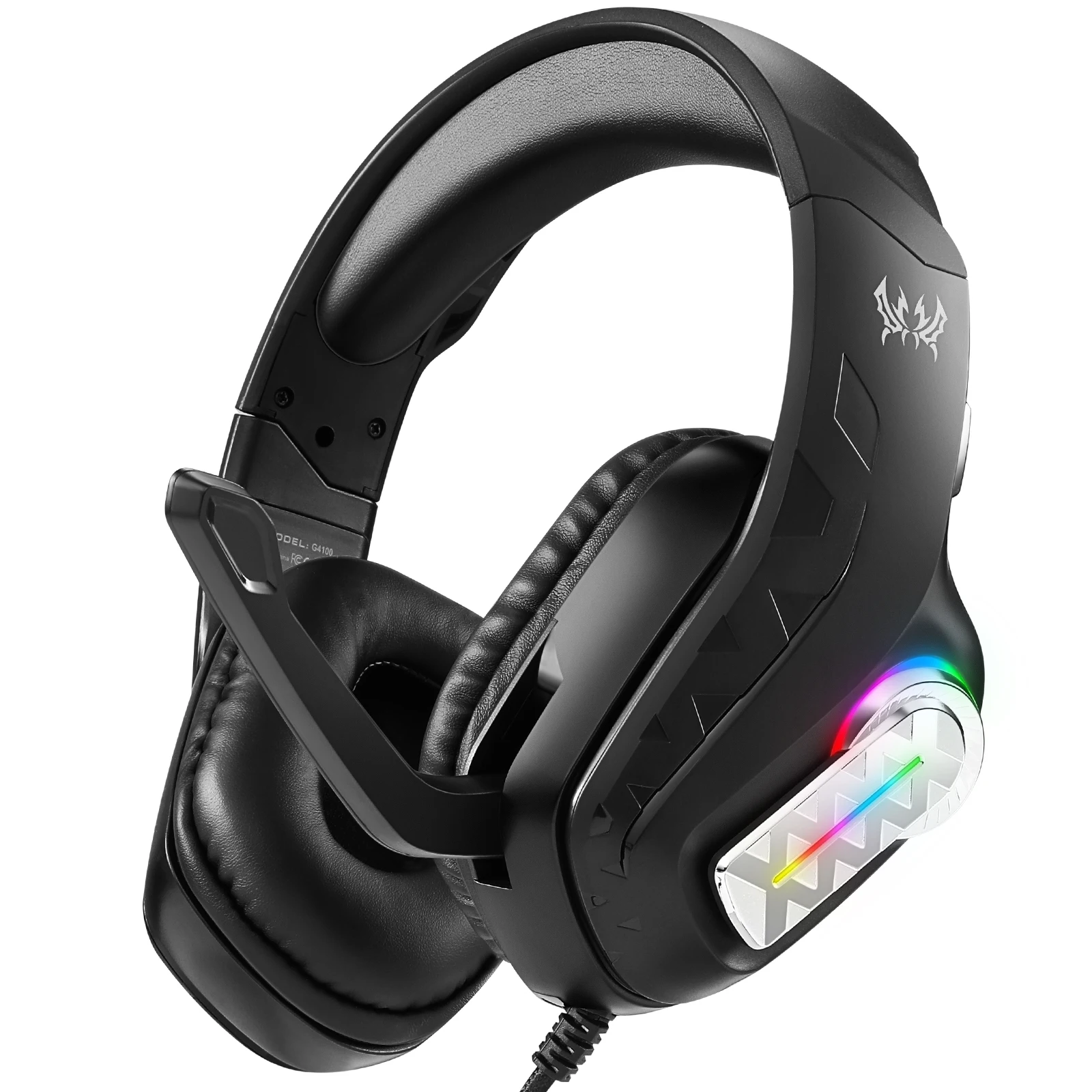
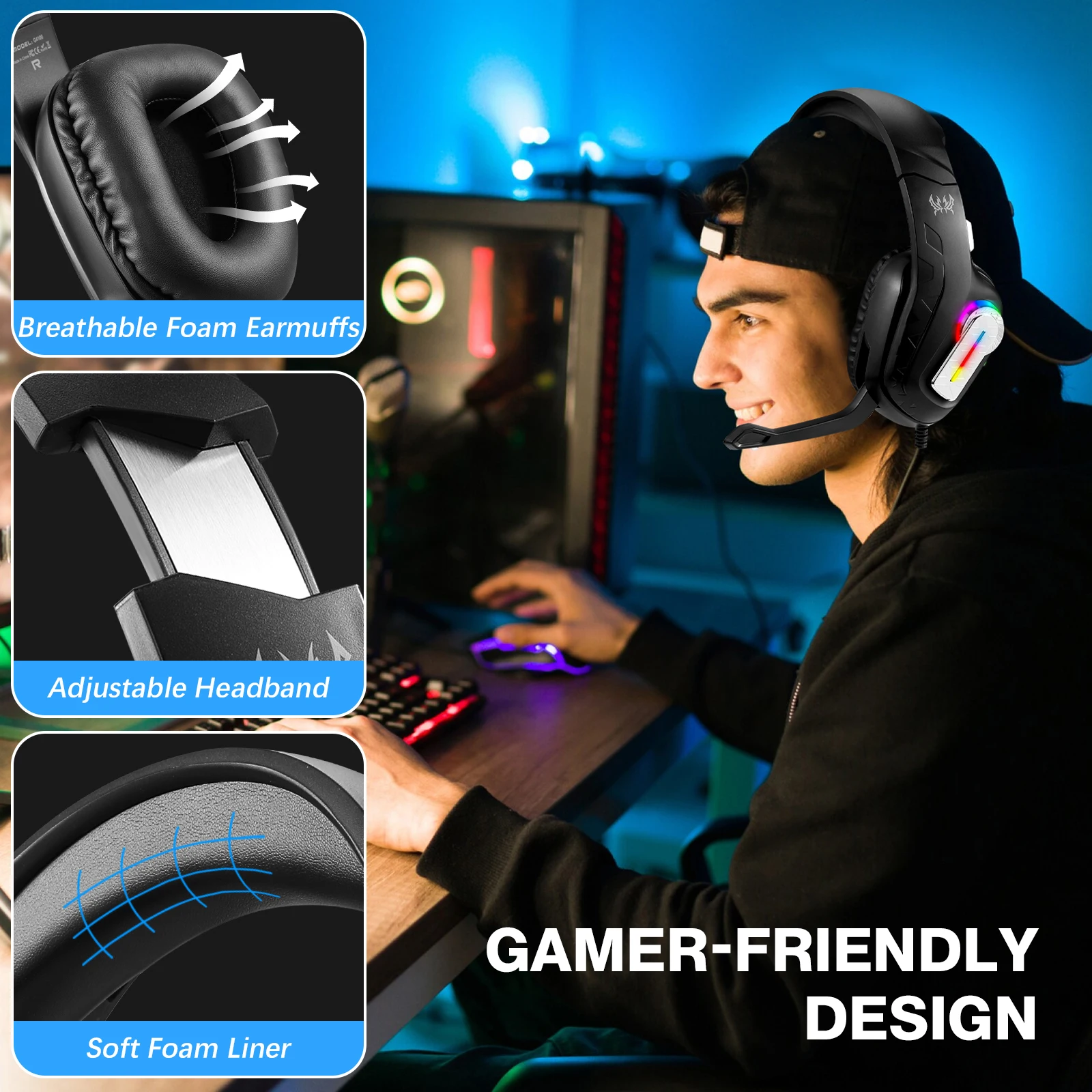
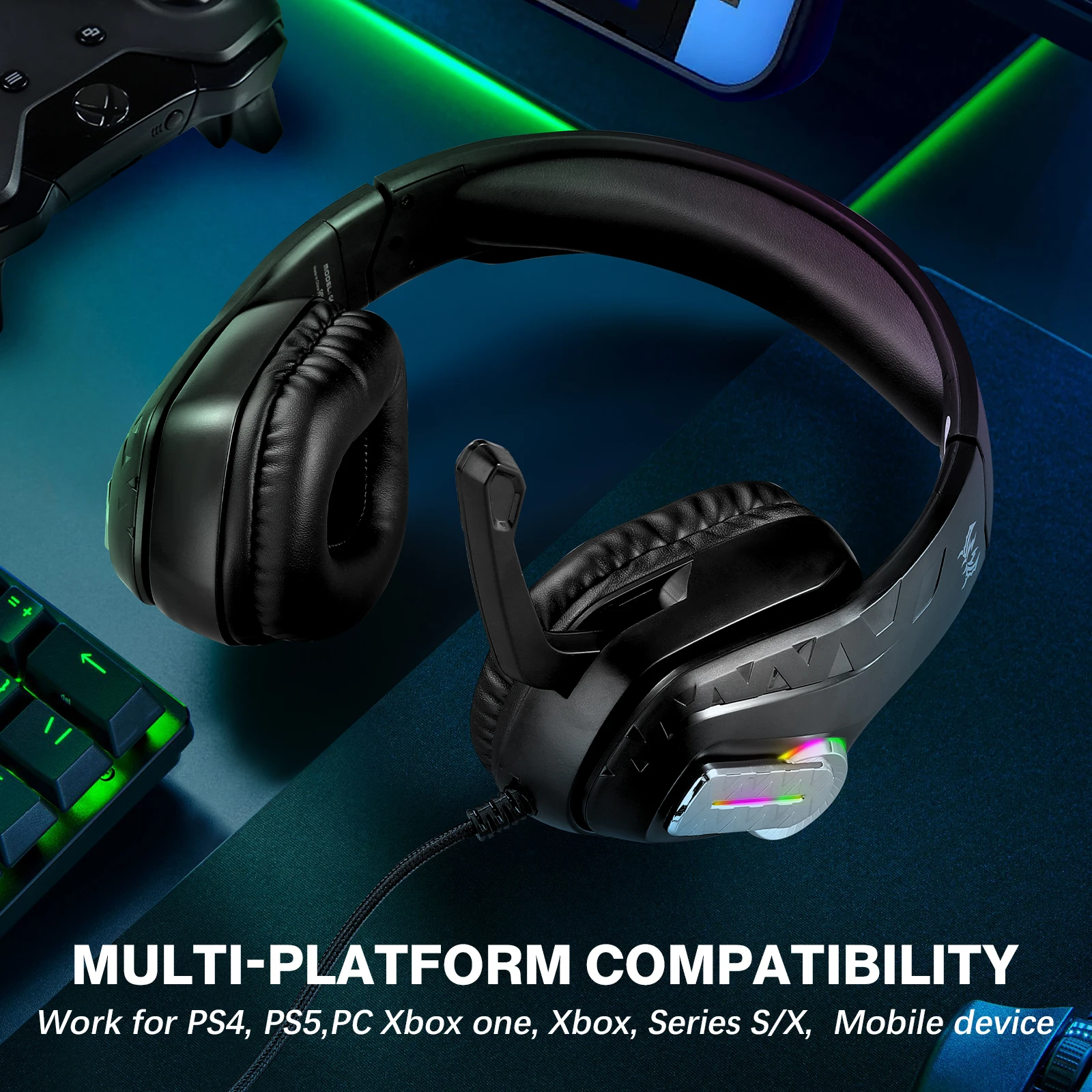
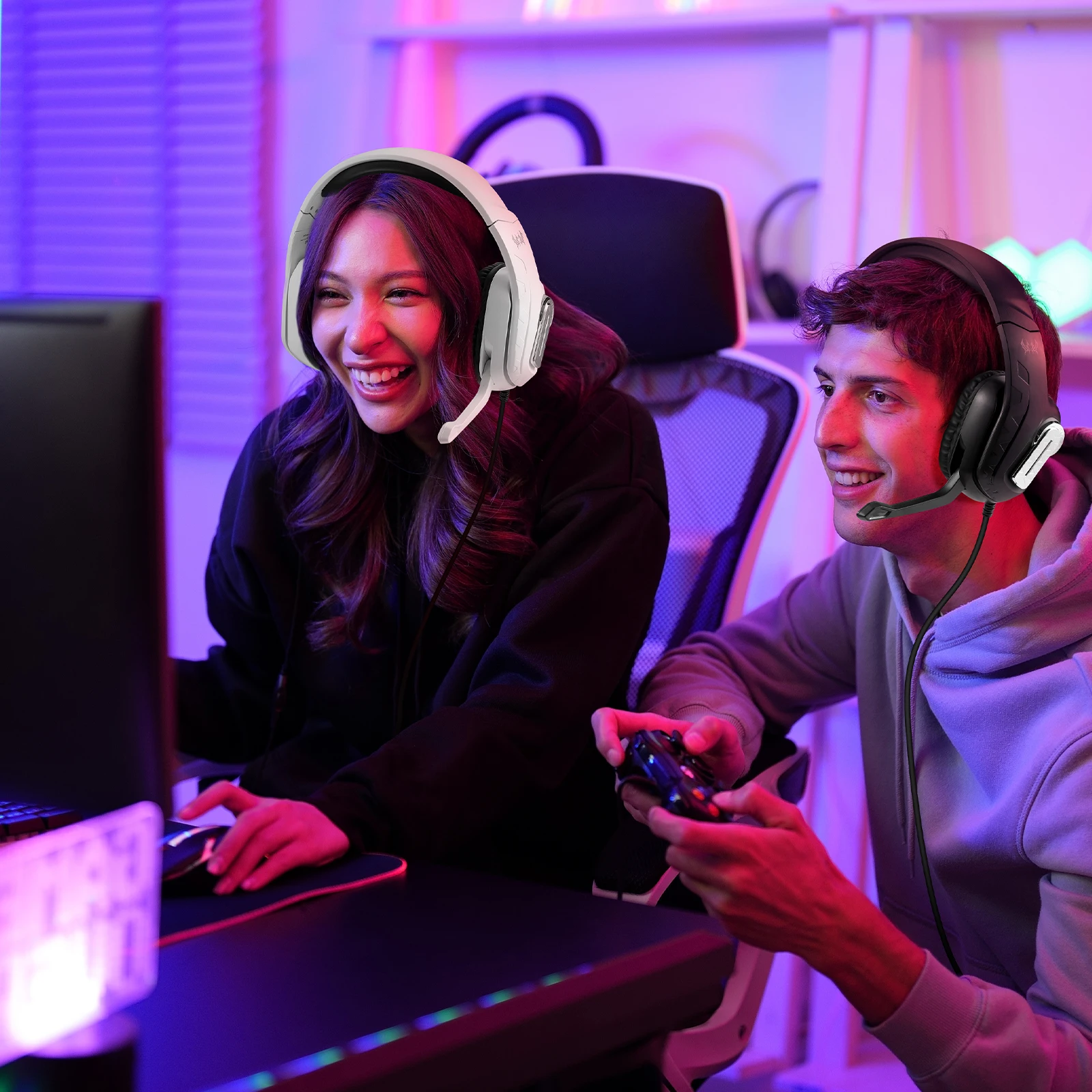
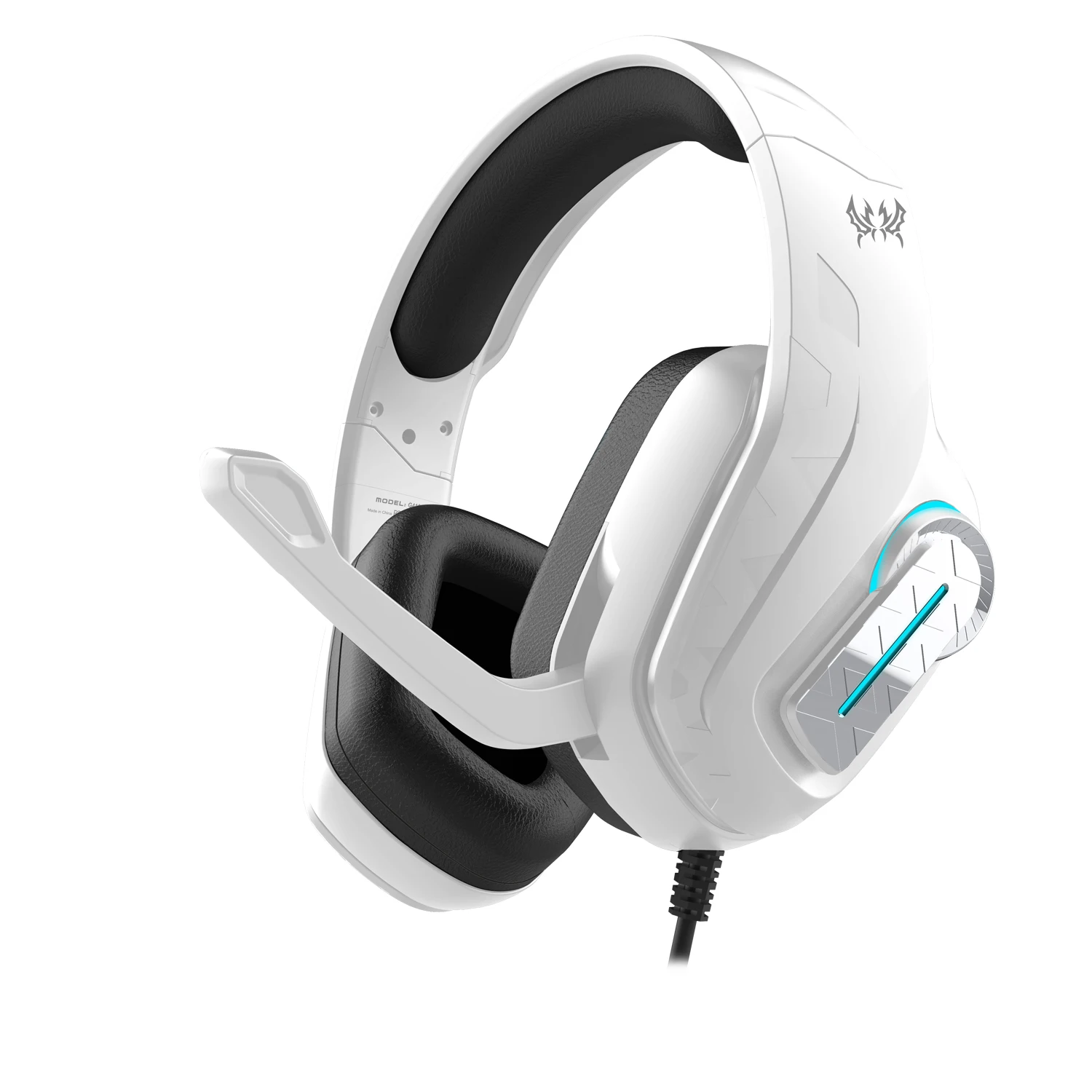
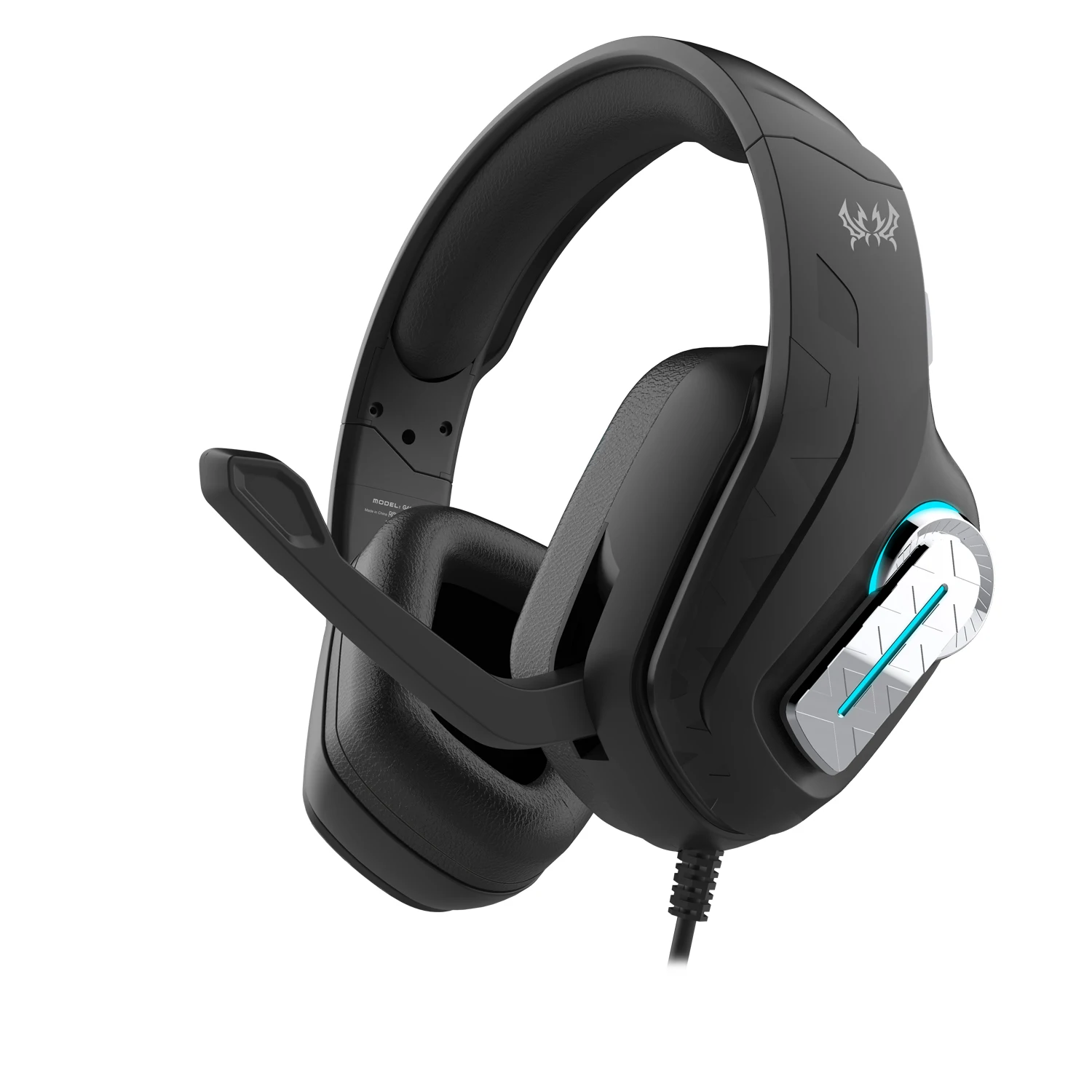
Headphones 3.5mm Wired Gaming Headset Earphones Music For PS4 Play Station 4 Game PC Chat Computer With Microphone
SPECIFICATIONS
Brand Name: ammtoo
Category: Earphones & Headphones
Choice: yes
Communication: Wired
Control Button: Yes
Function: For Internet Bar,for Video Game,Common Headphone,For Office
High-concerned chemical: None
Material: Plastic
Origin: Mainland China
Style: Wired headphone & headset
Vocalism Principle: Other
Volume Control: Yes
Wireless Type: None
With Microphone: Yes
Product parameters
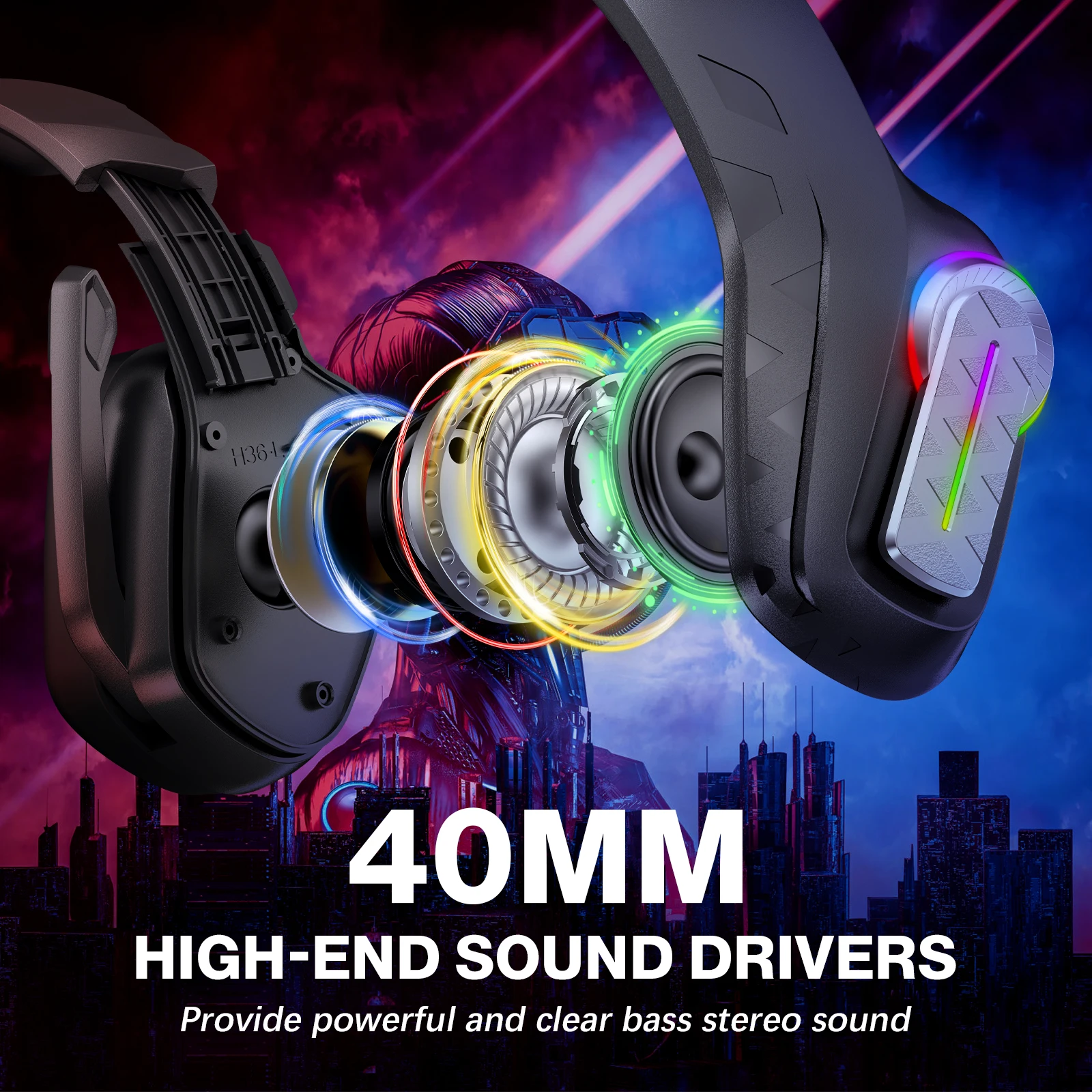
•Speaker size: 40mm
• mpedance: 20Ω+15%
•Sensitivity: 115+3dB
•Cable length:2.1M+0.15
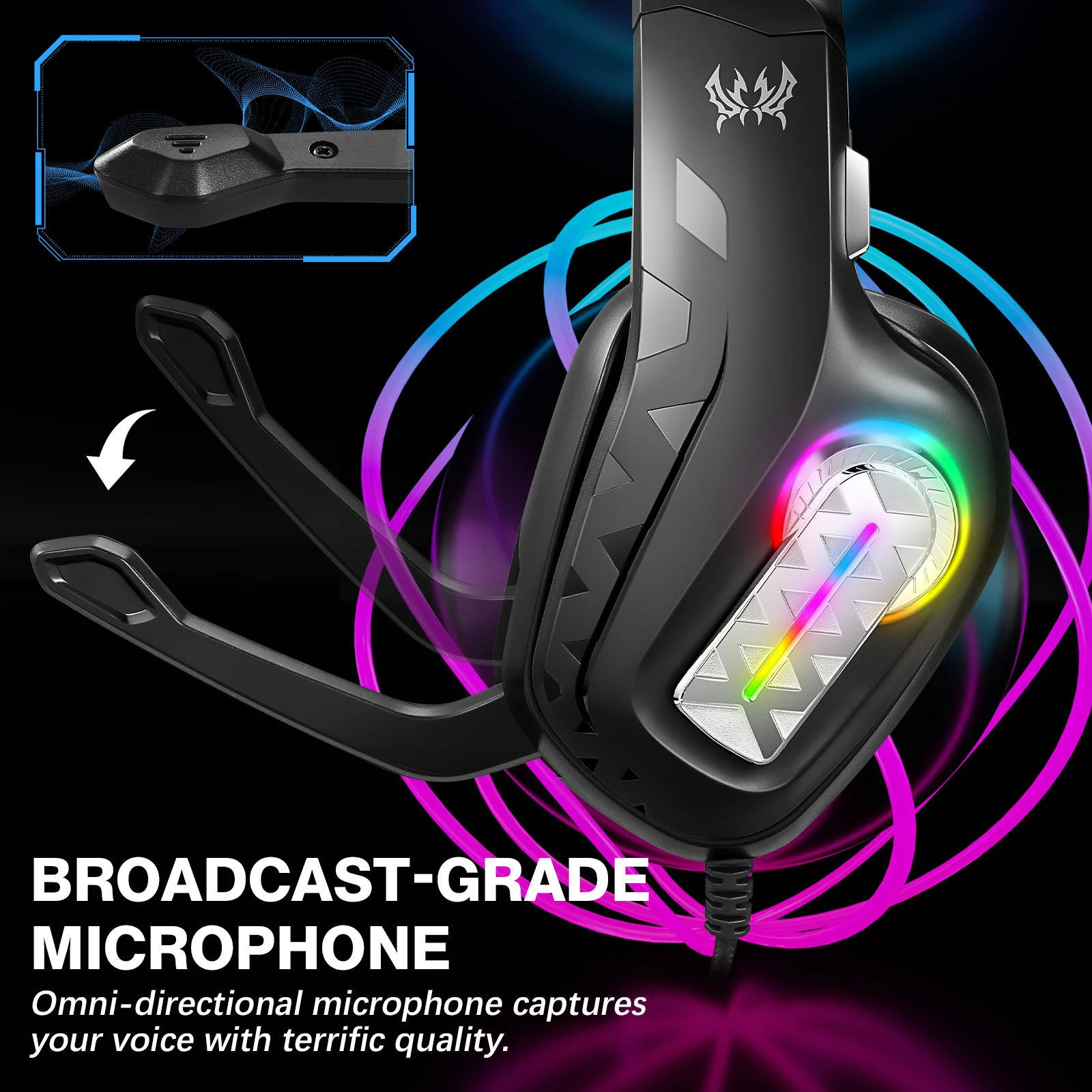
•Microphone sensitivity:-38+3dB
•Microphone impedance: 2.2K Ω
•Directionality: omni-directional
•LED Working voltage: DC5V+5%
•Working current: ≤500mA
•Frequency range: 20Hz-20KHz
•Headset jack: USB+3.5MM+4Pin
Range of application and operating instructions
1. The headset is applicable to 3.5MM quadrupole single plug audio device such as laptop, tablet PC, mobile phone, PS4Xbox One
X/S etc. With the bisected adapter cable of 3.5mm interface,the 3.5mm dual plug of the computer can be used.
2. Generally, the cable end or microphone end is designed on the left-siide, so wear the cable end or microphone end on the left ear when
wearing headset.
3.When using the headset on computer,please make sure the headset microphone switch is turned on;then make sure the computer
microphone switch is turned on. Please find the "speaker" icon in the computer taskbar, and double-click to enter the volunne control
for settings. And enter into the "voice" for settings on the "Control Paneel".
4. Please make sure the headset volume adjustment button iss at the minimum volume, and can be adjusted to the appropriate volume.
5. Please use the headset to enjoy the game
6. Support the 32-bit and 64-bit Win7/Win8 / Win8.1/Win10XP
Packing list
1) Gaming headset
2) Operating instructions